About the Project
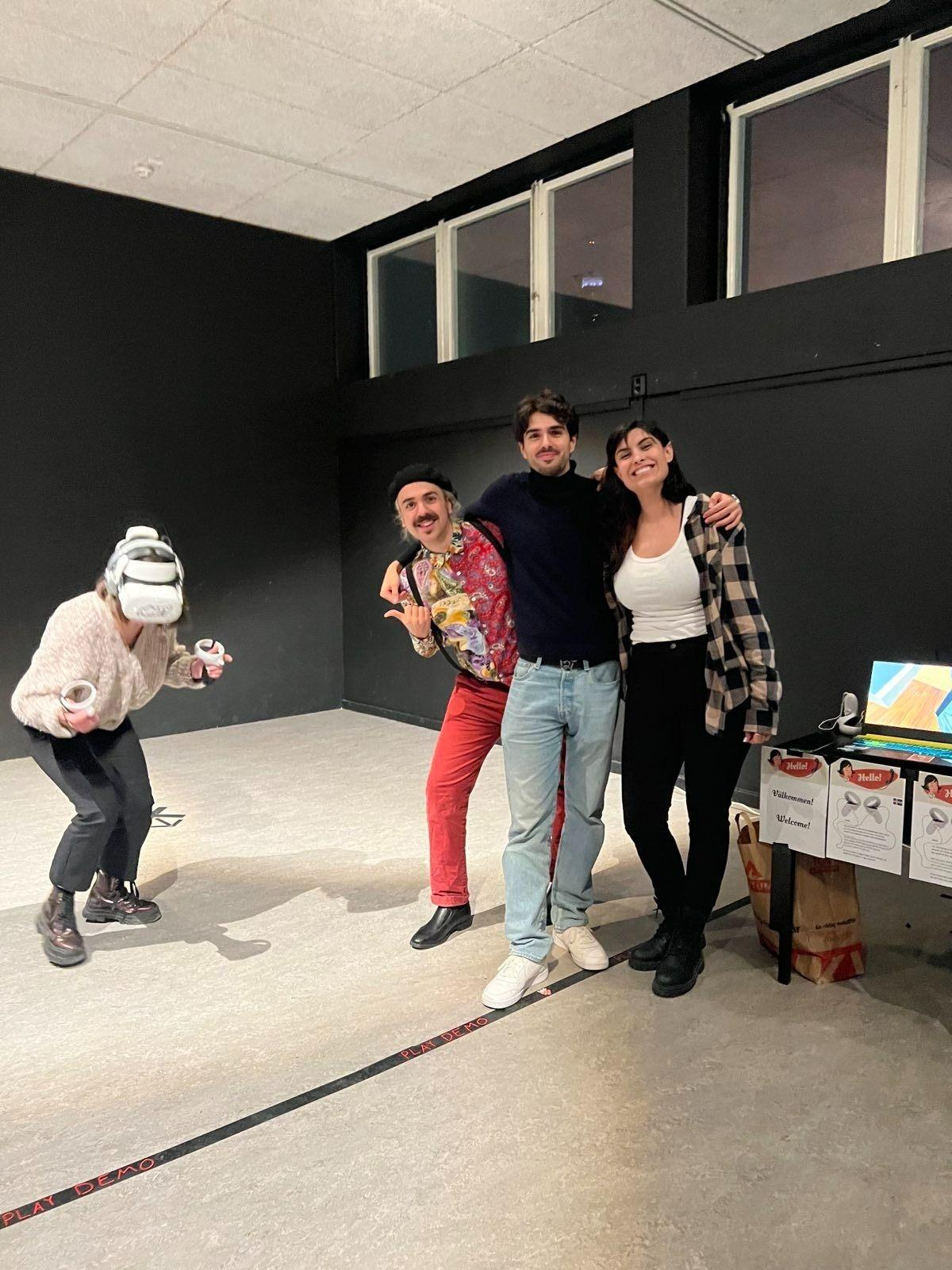
This game was developed in the classroom for the Immersive Experience Creator course (FutureGames). The challenge was to create a VR game in just three weeks for the opening of the "Hello" exhibition at the Museum of Technology (Tekniska Museet) in Stockholm.
Presentation Video
About the Game
Game Information
- Platforms: Android
- Genre: Interactive Fiction
- Made with: Unity
- Tags: Audio, Casual, Experimental, Immersive, Oculus Quest, Singleplayer, Virtual Reality (VR)
Creation Process
Showcase and Playtest
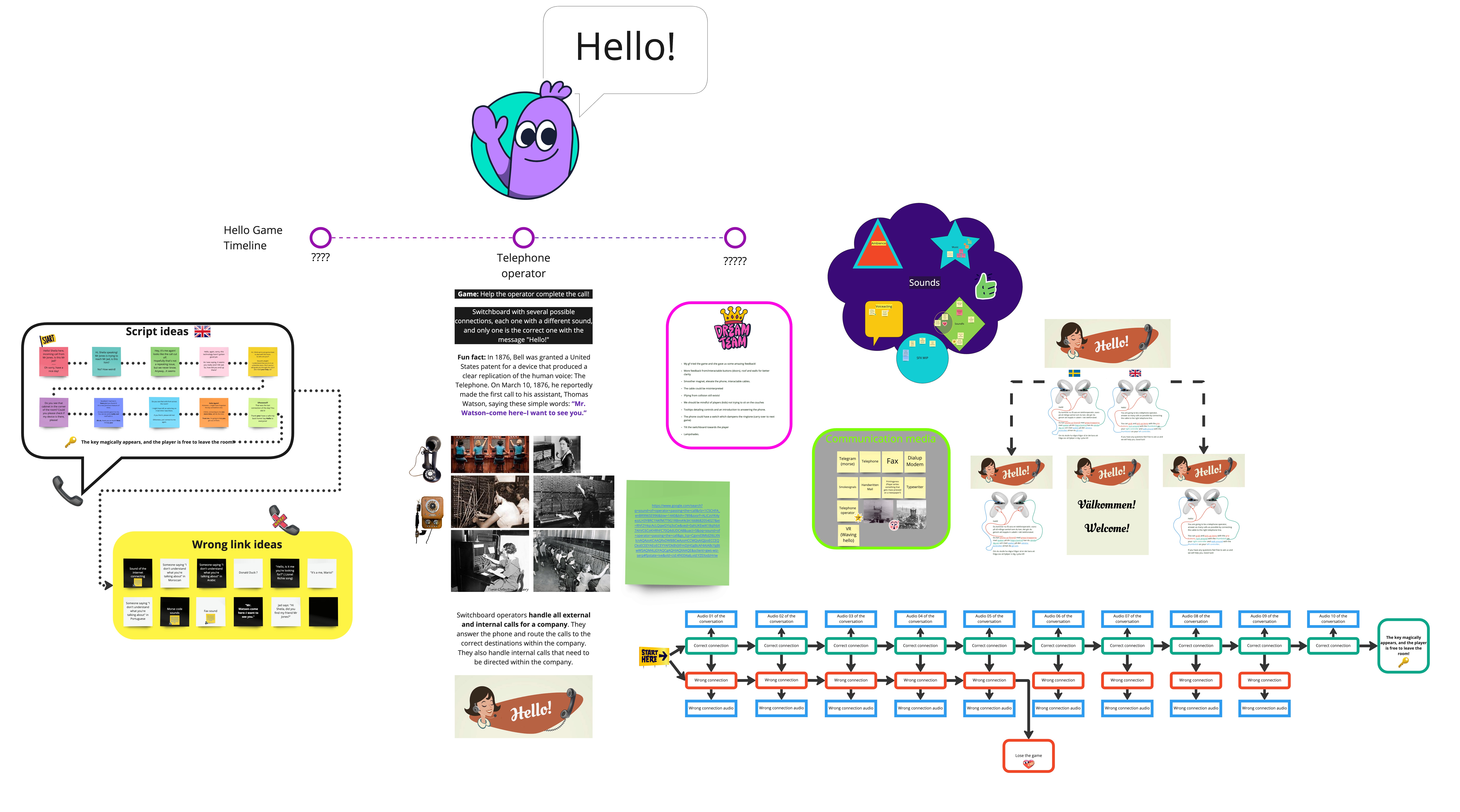
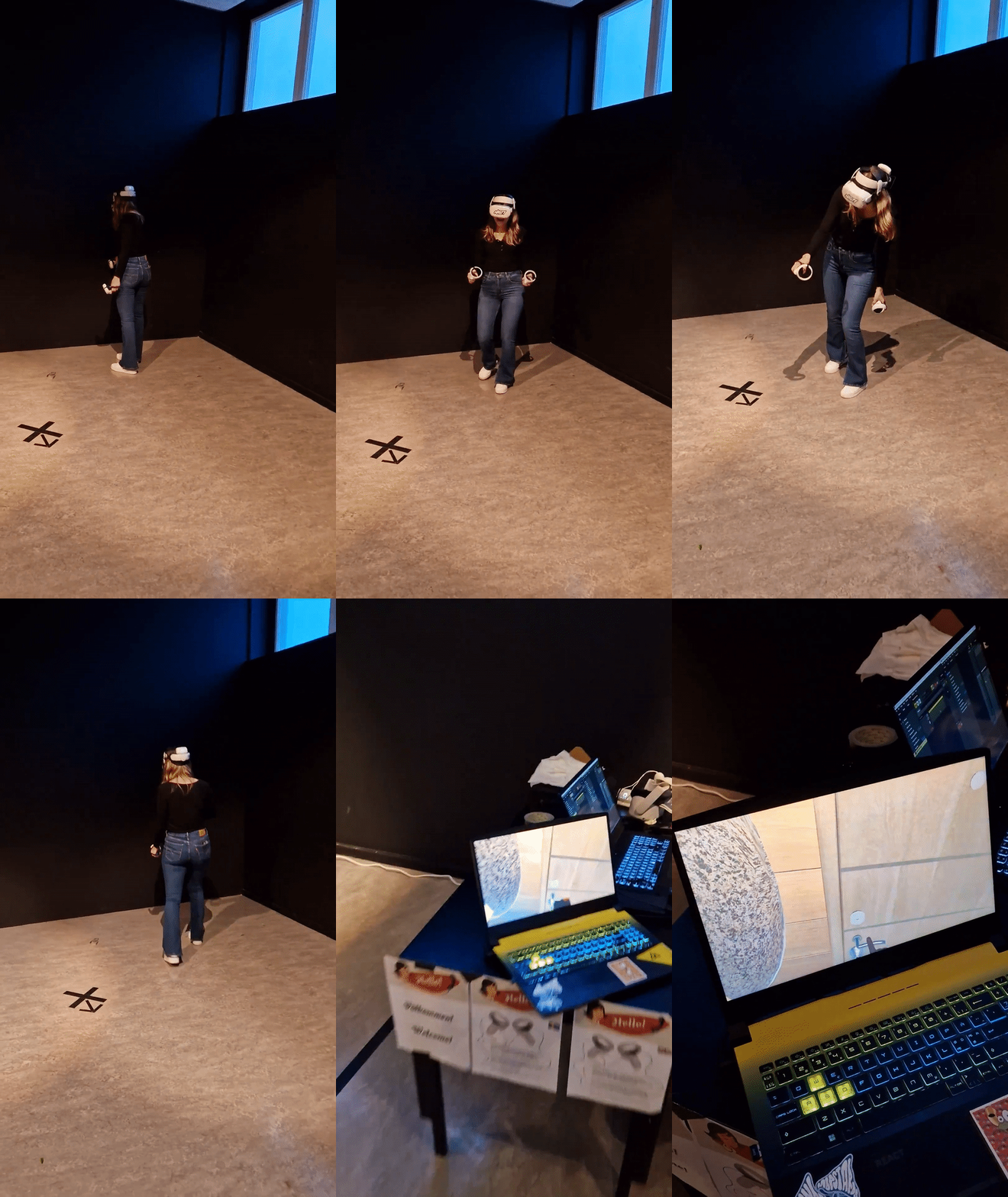
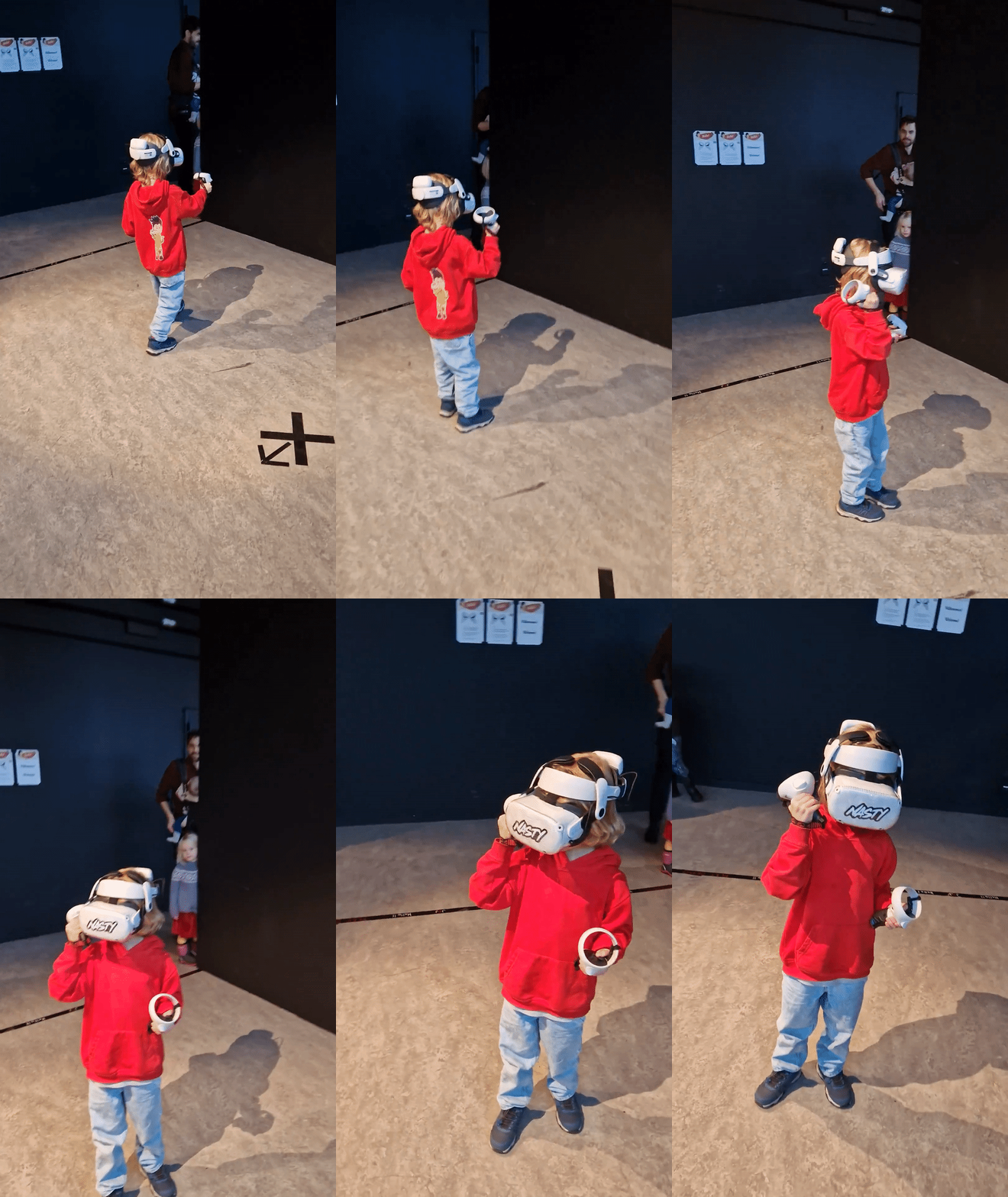
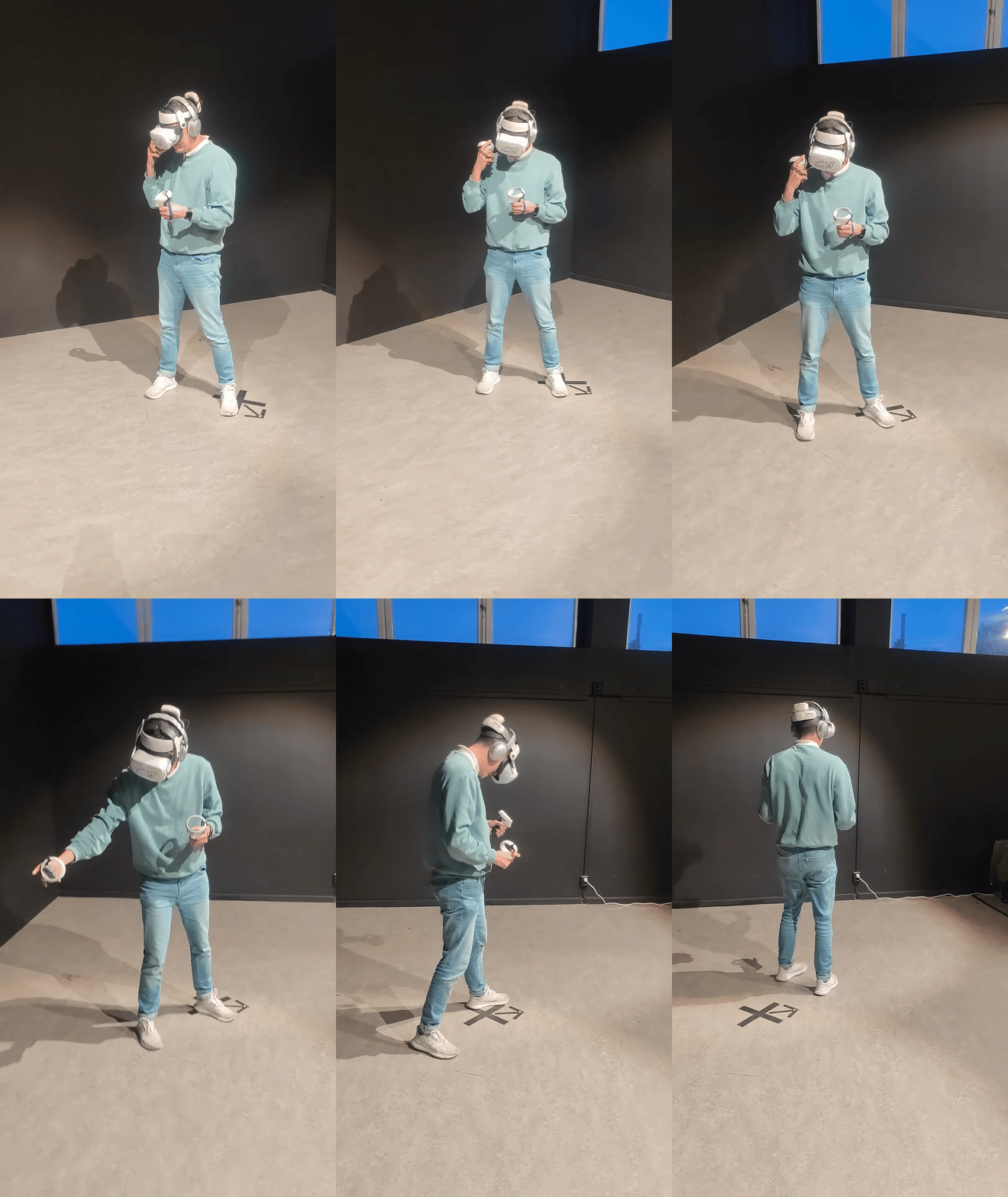
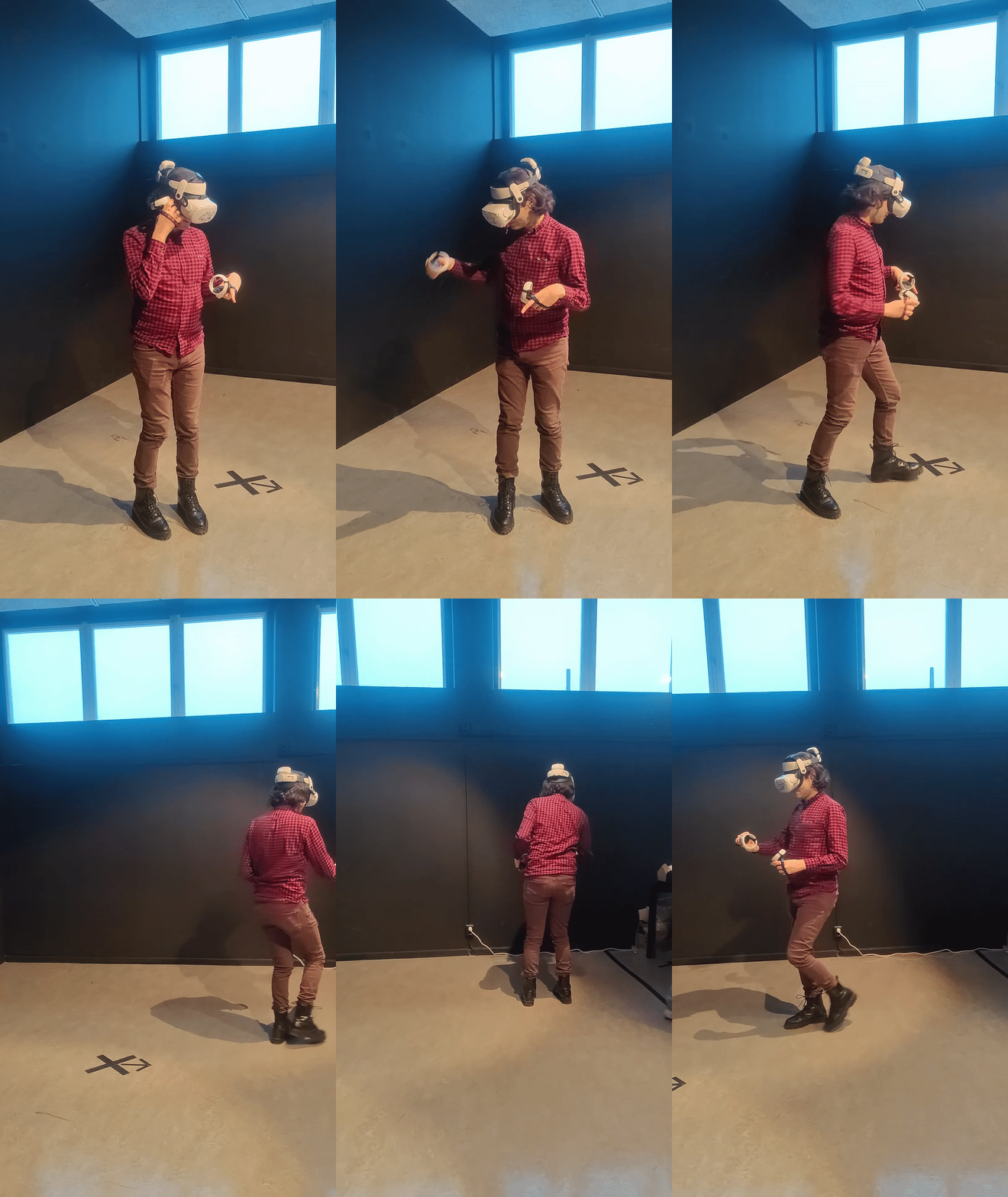
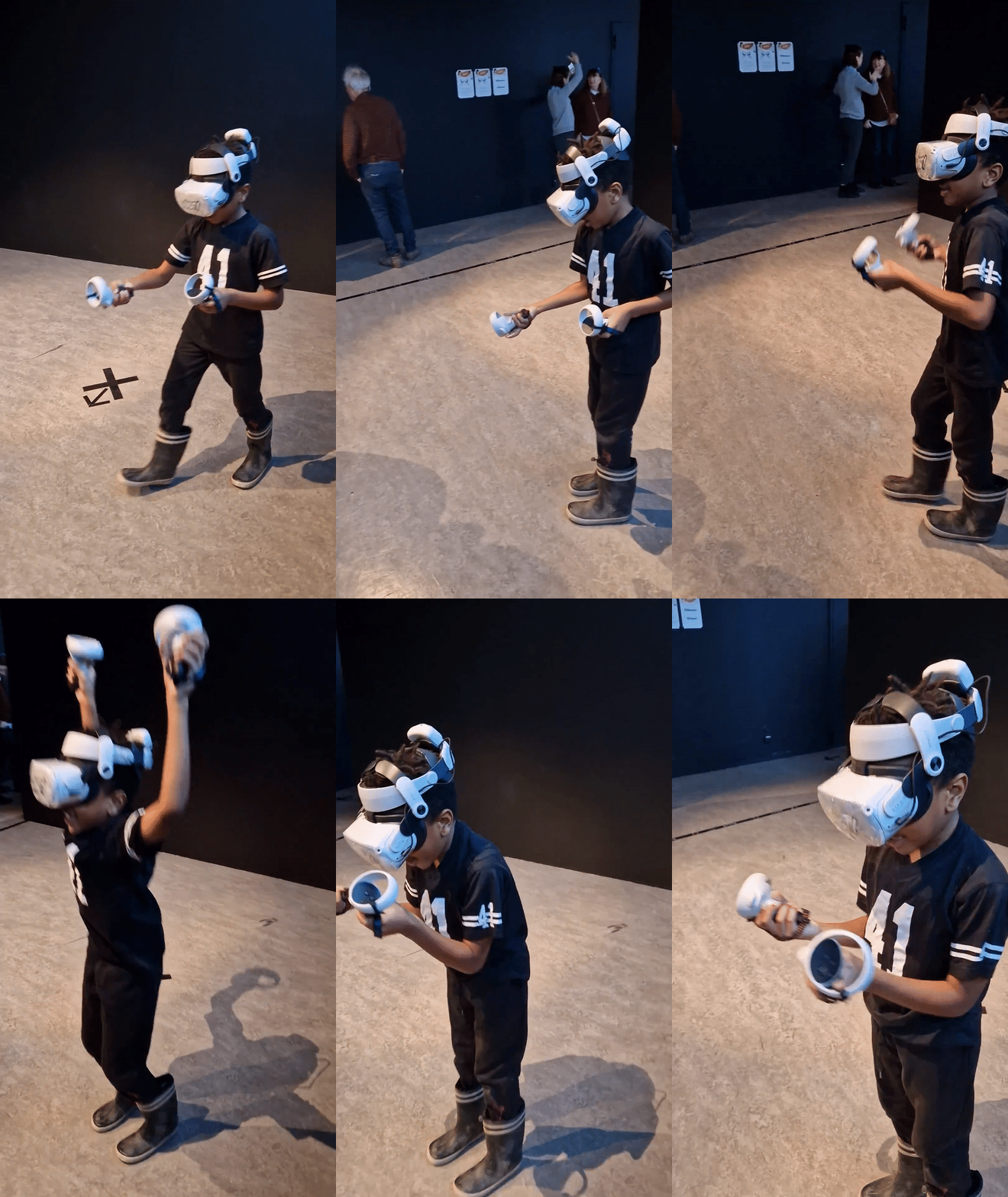
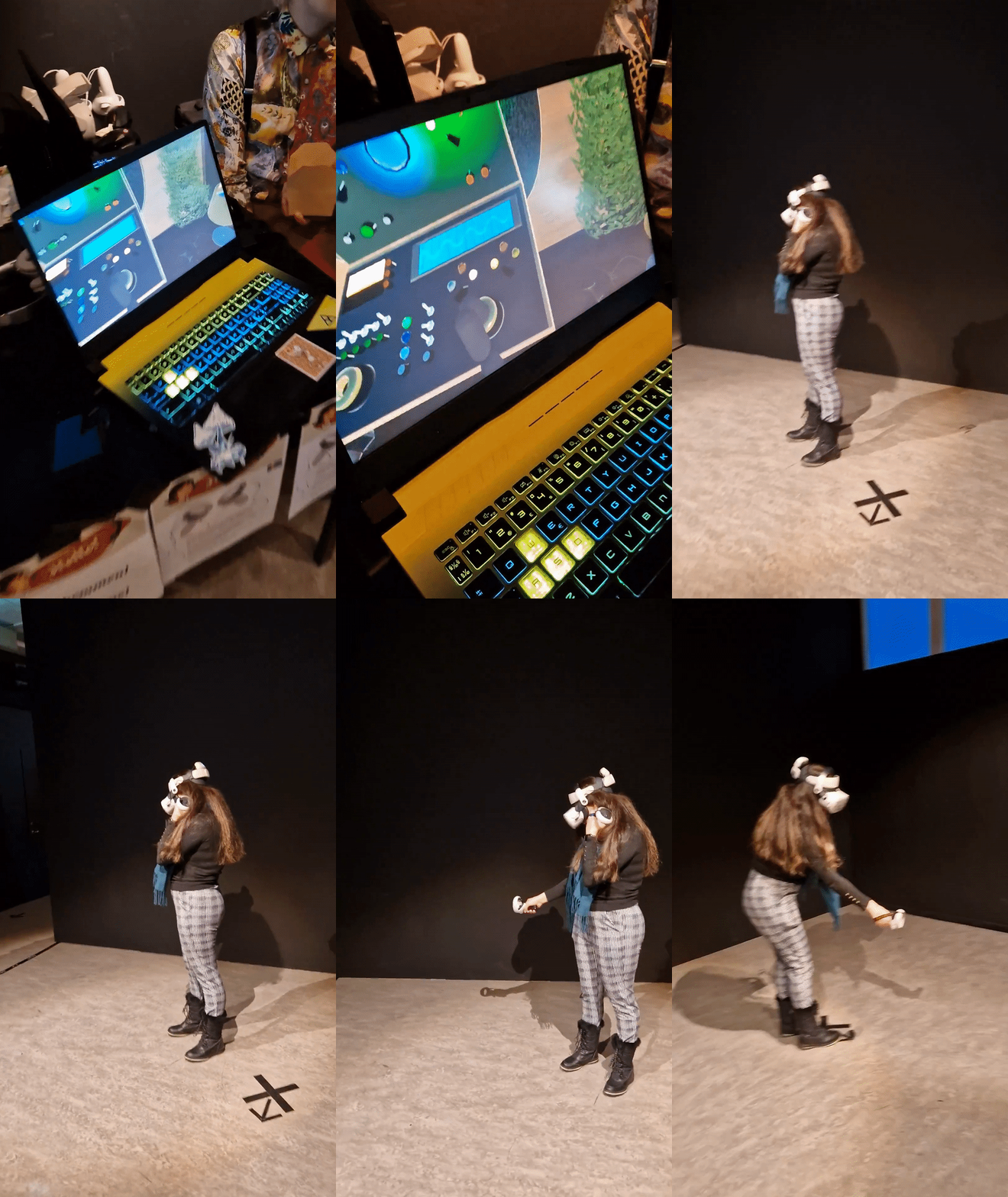
During the playtest day, I closely observed how players of different ages, backgrounds, and VR experience levels (most of them had never used VR before) interacted with Hello. I took detailed notes on their behaviors, choices, and points of friction, looking for patterns in how they navigated the game, where they got stuck, and which moments sparked engagement or confusion. This helped uncover unmet needs and highlight areas where the game could be improved or made more intuitive.
I also ran A/B tests on key game elements, like interaction mechanics, visual cues, tutorial prompts, and analyzed the results using t-tests in Python. This allowed me to identify which changes genuinely enhanced the player experience across a diverse audience and which didn't have a meaningful impact. By combining observation with statistical analysis, I turned raw playtest data into actionable insights, guiding informed, player-centered design decisions within the tight three-week development schedule.
Download the Game!
Installation:
- Download the APK file of your liking (Hello!! (Real Locomotion Only) is Recommended)
- Sideload the APK onto your VR headset using SideQuest
Instructions:
- Connect the aux cable to the input with the lamp shining above on one of the four switchboards in the room. (the lamp that is shining changes position after some time has passed, so you need to be quick!)
- Once you hear the phone ringing, pick up the earpiece and listen to what the person on the call has to say.
- When done, place the earpiece back and unplug the aux. Once again, a lamp will shine above one of the inputs, and you'll have to place the aux there.
- Receive the next call.
- Follow the story!
🎮 Controls:
- Hold Left/Right Grip buttons: Hold an Object
*You will be redirected to https://sheilagea.itch.io/.